The Energy Board - Sending Energy
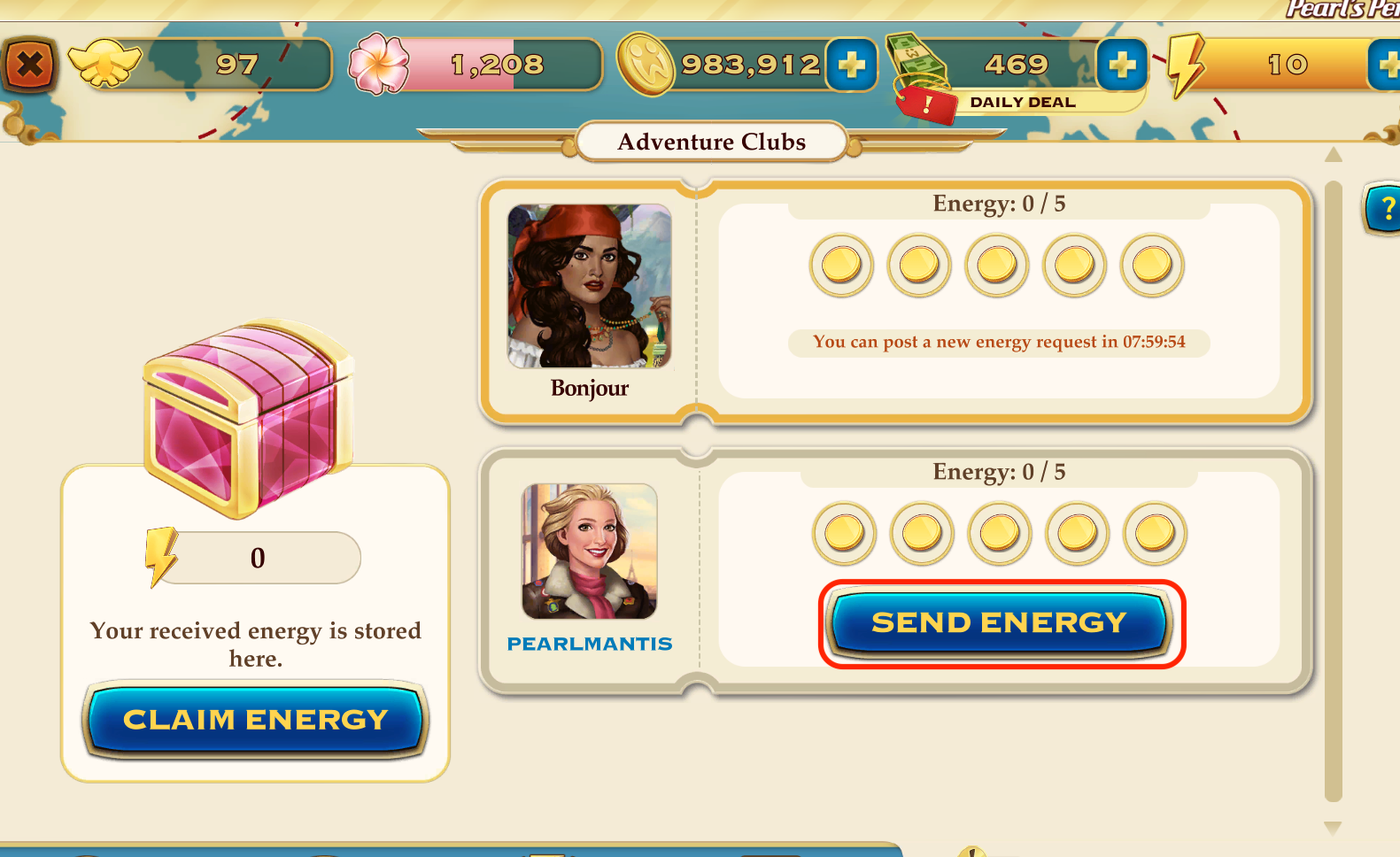
Sending energy to your Club members will earn you 10 free Coins!
Scroll down the list to see all active energy requests.
To send energy to your Club mates:
- Open your Adventure Club screen
- Tap on the Energy tab in the bottom right-hand corner
- Click on the green 'Send Energy' button on each request
Important things to note:
- You can send energy once for each individual request.
- If a friend has posted multiple requests, you can send energy once per request.
- You can click on the profile picture of the Club member to view their passport.
- When you have helped a friend you will see “You helped your friend.”
- If you are the last person to help a friend (sending the 5th of the 5 energy requested) the request will disappear from the board.
Was this helpful?